Summer CollaborationsSummer Collaborations2026
웹을 단순한 기술 도구가 아니라 언어와 몸, 접근성과 유지보수의 문제로 다시 바라보는 두 개의 워크숍. 하나는 한국어로 코딩의 구조를 이해하며 온라인 3D 서재를 만들고, 다른 하나는 키보드와 마우스가 아닌 방식으로 웹을 조작해봅니다.Two workshops that look at the web not just as a tool, but as a space shaped by language, bodies, access, and maintenance. One builds an online 3D library while coding in Korean; the other controls the web without a keyboard and mouse.
우리는 기술을 배울 때 무엇을 함께 배우고 있을까.
우리는 어떤 언어와 도구에 맞춰 몸을 조정하고 있을까.
웹은 누구에게 자연스럽고, 누구에게는 계속 번역하고 고쳐야 하는 환경일까.What else do we learn when we learn technology?
Which tools and languages do our bodies adjust to?
For whom does the web feel natural, and for whom does it remain something to be translated and maintained?
우리는 어떤 언어와 도구에 맞춰 몸을 조정하고 있을까.
웹은 누구에게 자연스럽고, 누구에게는 계속 번역하고 고쳐야 하는 환경일까.What else do we learn when we learn technology?
Which tools and languages do our bodies adjust to?
For whom does the web feel natural, and for whom does it remain something to be translated and maintained?
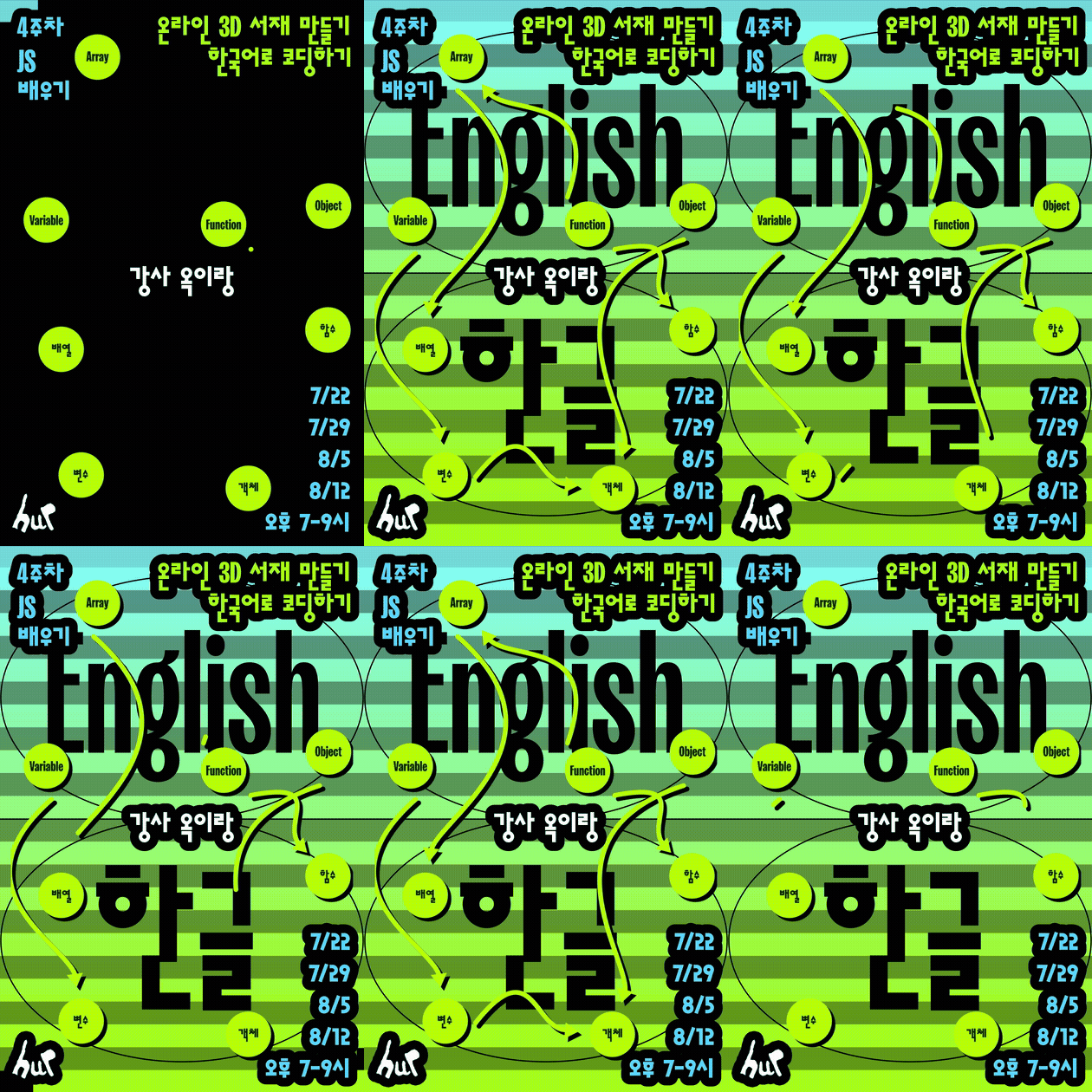
온라인 3D 서재 만들기 2026Building an Online 3D Library 2026
— 한국어로 코딩하기— Coding in Korean
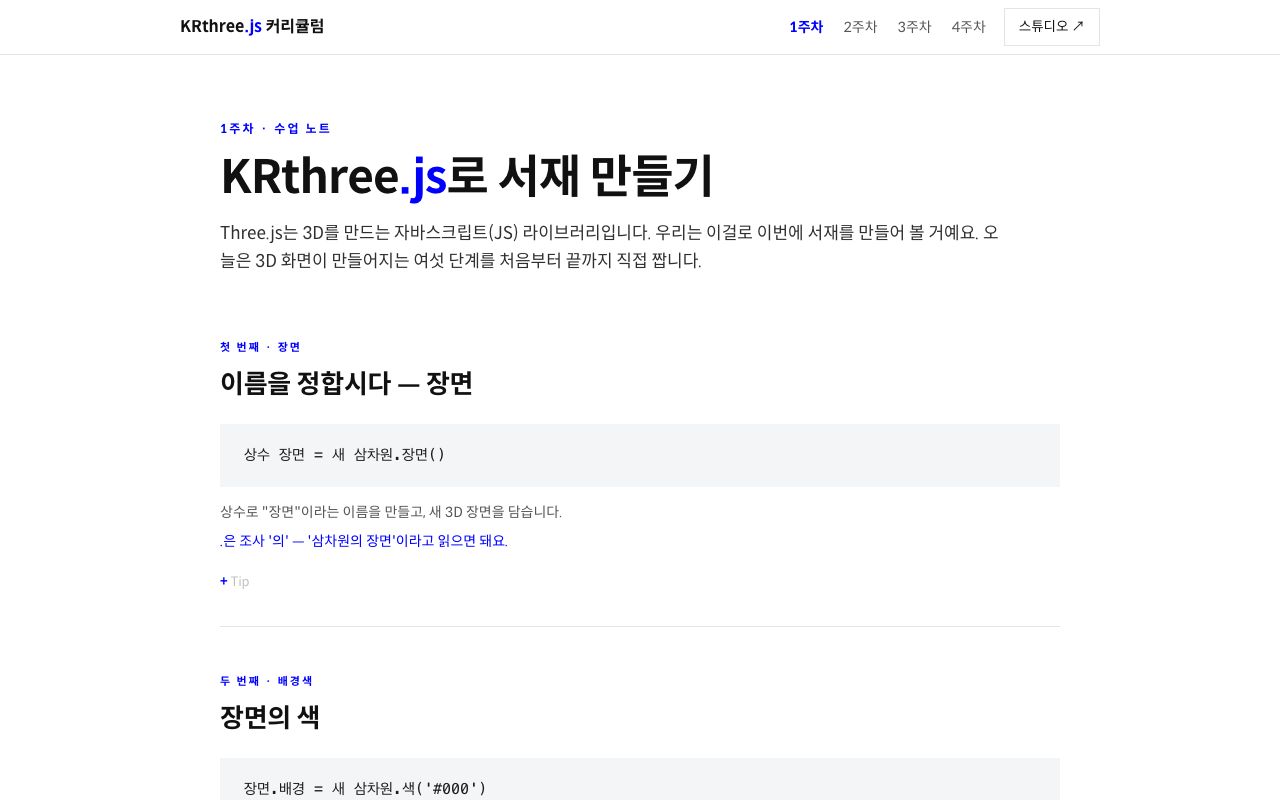
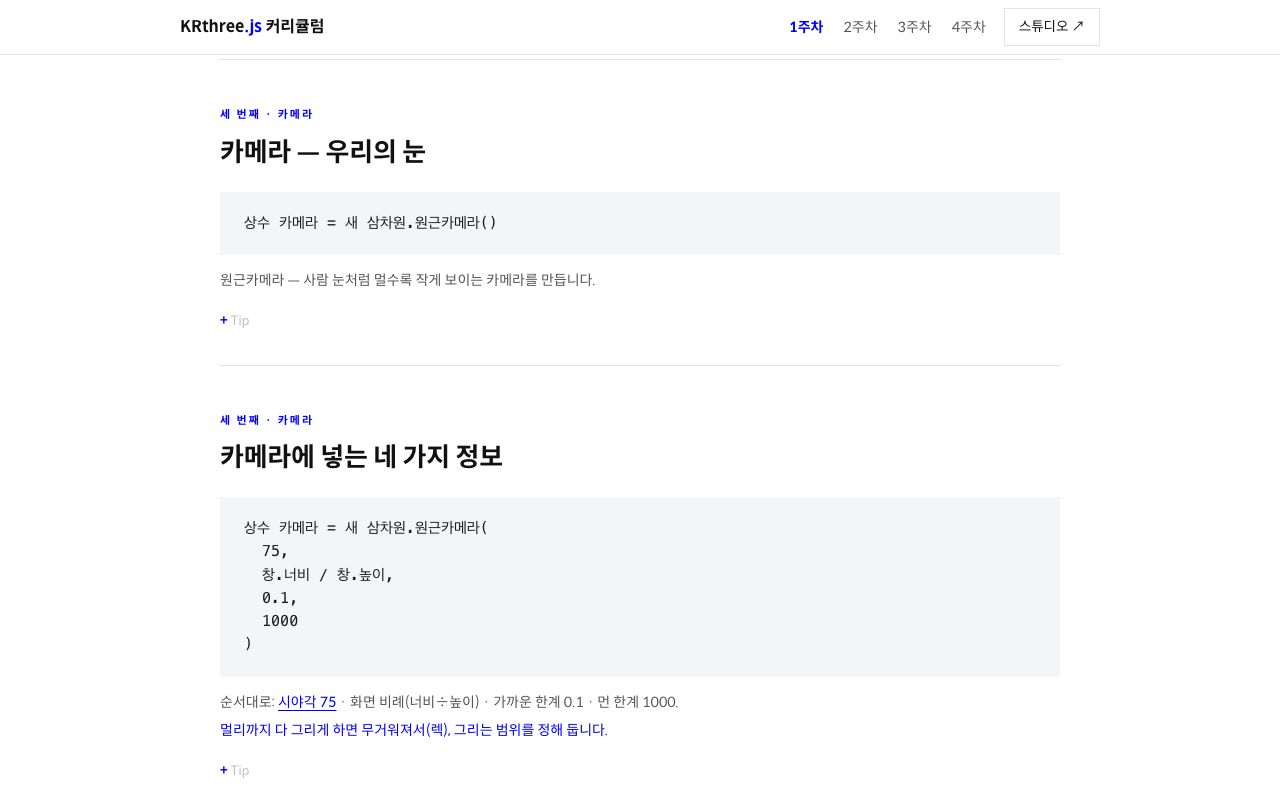
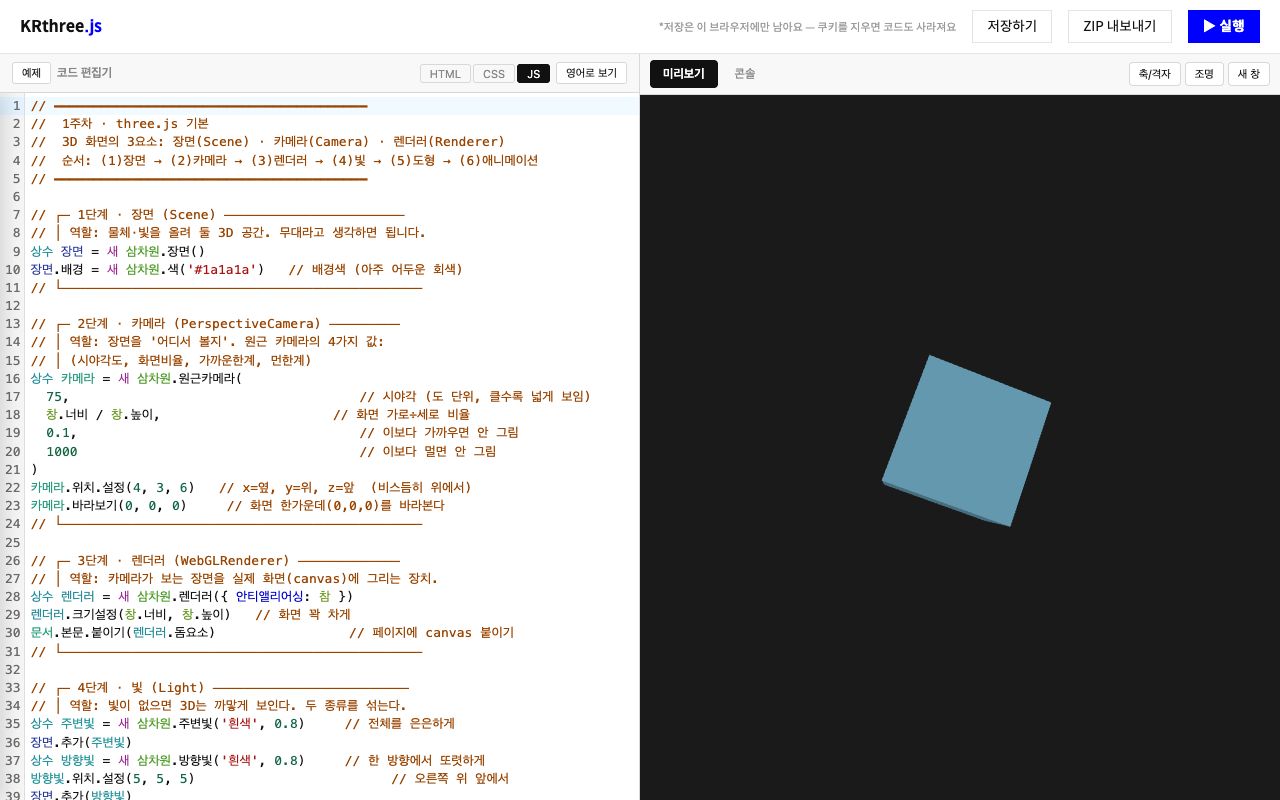
한국어로 코딩 개념을 배우고 three.js로 나만의 온라인 3D 서재를 만드는 4주 오프라인 워크숍. 코딩 교육은 “누구나 개발자가 될 수 있다”고 말하지만, 한국어 사용자는 코드의 구조와 영어 기술 언어를 동시에 배워야 합니다. 이 워크숍은 한국어로 먼저 코드의 구조를 이해해보는 실험입니다.
장면, 카메라, 빛, 도형, 움직임을 단계적으로 연결해 읽고 싶은 것과 모으고 싶은 것을 배치한 작은 출판물이자 학습 공간을 만들고, 마지막에는 실제 웹 주소로 공개합니다.A four-week offline workshop: learn coding concepts in Korean and build your own online 3D library with three.js. Coding classes say “anyone can become a developer,” but Korean-speaking learners must learn code structure and English technical language at once. This workshop is an experiment in understanding code first in Korean.
Connecting scene, camera, light, objects, and movement step by step, each participant builds a small publication and learning space — and publishes it at a real web address.
장면, 카메라, 빛, 도형, 움직임을 단계적으로 연결해 읽고 싶은 것과 모으고 싶은 것을 배치한 작은 출판물이자 학습 공간을 만들고, 마지막에는 실제 웹 주소로 공개합니다.A four-week offline workshop: learn coding concepts in Korean and build your own online 3D library with three.js. Coding classes say “anyone can become a developer,” but Korean-speaking learners must learn code structure and English technical language at once. This workshop is an experiment in understanding code first in Korean.
Connecting scene, camera, light, objects, and movement step by step, each participant builds a small publication and learning space — and publishes it at a real web address.
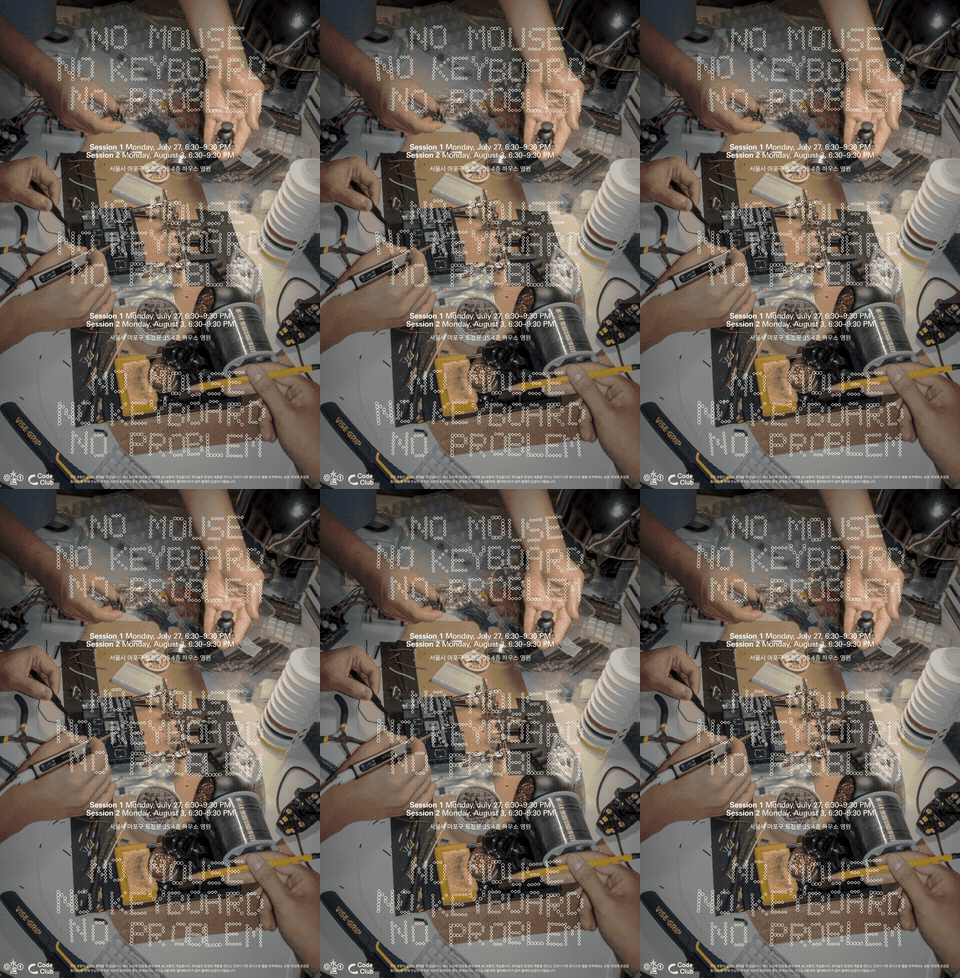
No Mouse No Keyboard No ProblemNo Mouse No Keyboard No Problem
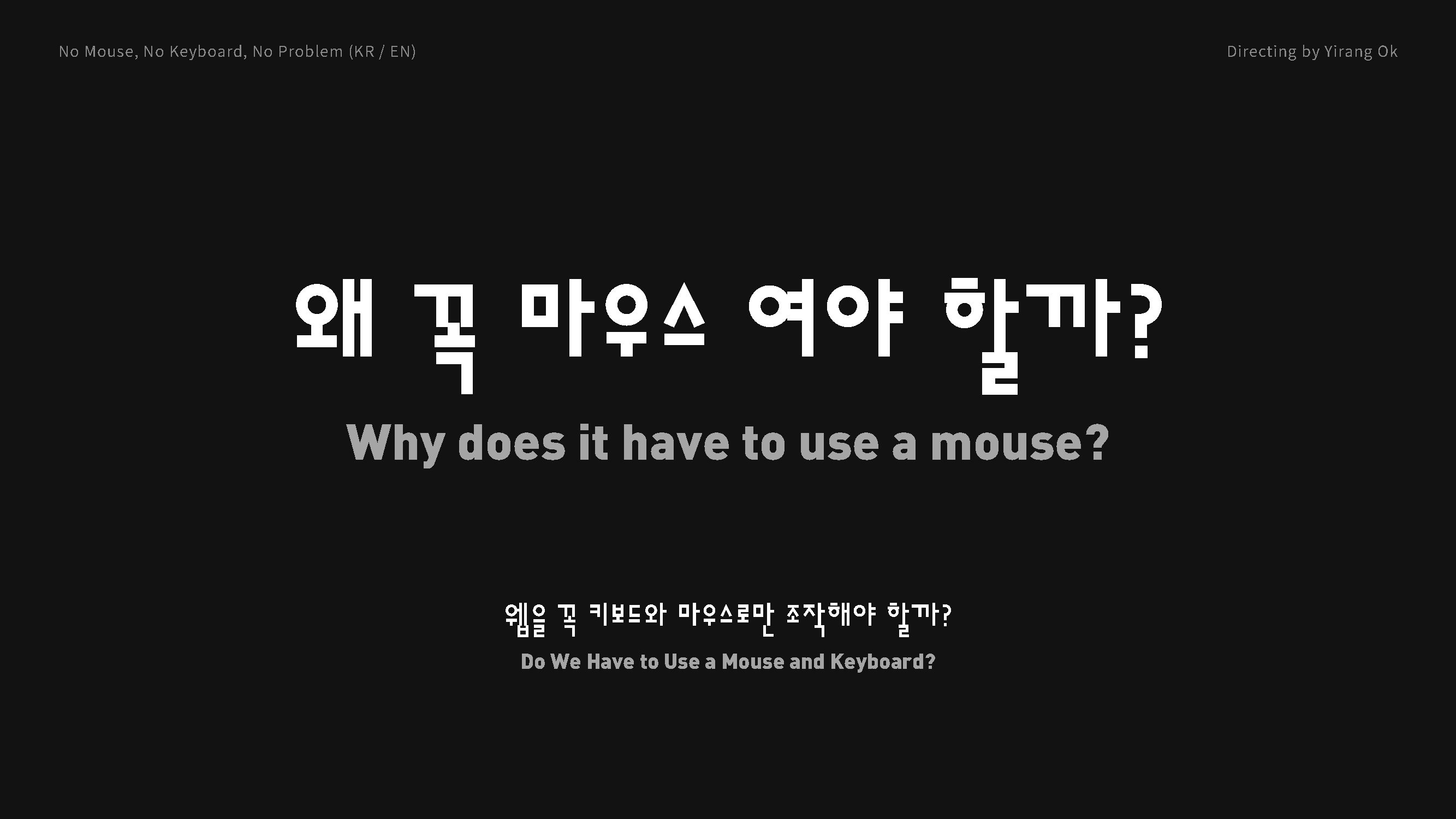
— 웹을 꼭 키보드와 마우스로만 조작해야 할까?— Does the web have to be controlled only with a keyboard and mouse?
키보드와 마우스가 아닌 방식으로 웹을 조작해보는 2회차 오프라인 메이킹 세션. 두 도구는 ‘중립적인 도구’가 아니라 인간이 컴퓨터와 관계 맺는 방식을 실험하기 위해 만들어진 장치였고, 표준으로 굳어지며 우리의 자세와 속도를 정해왔습니다.
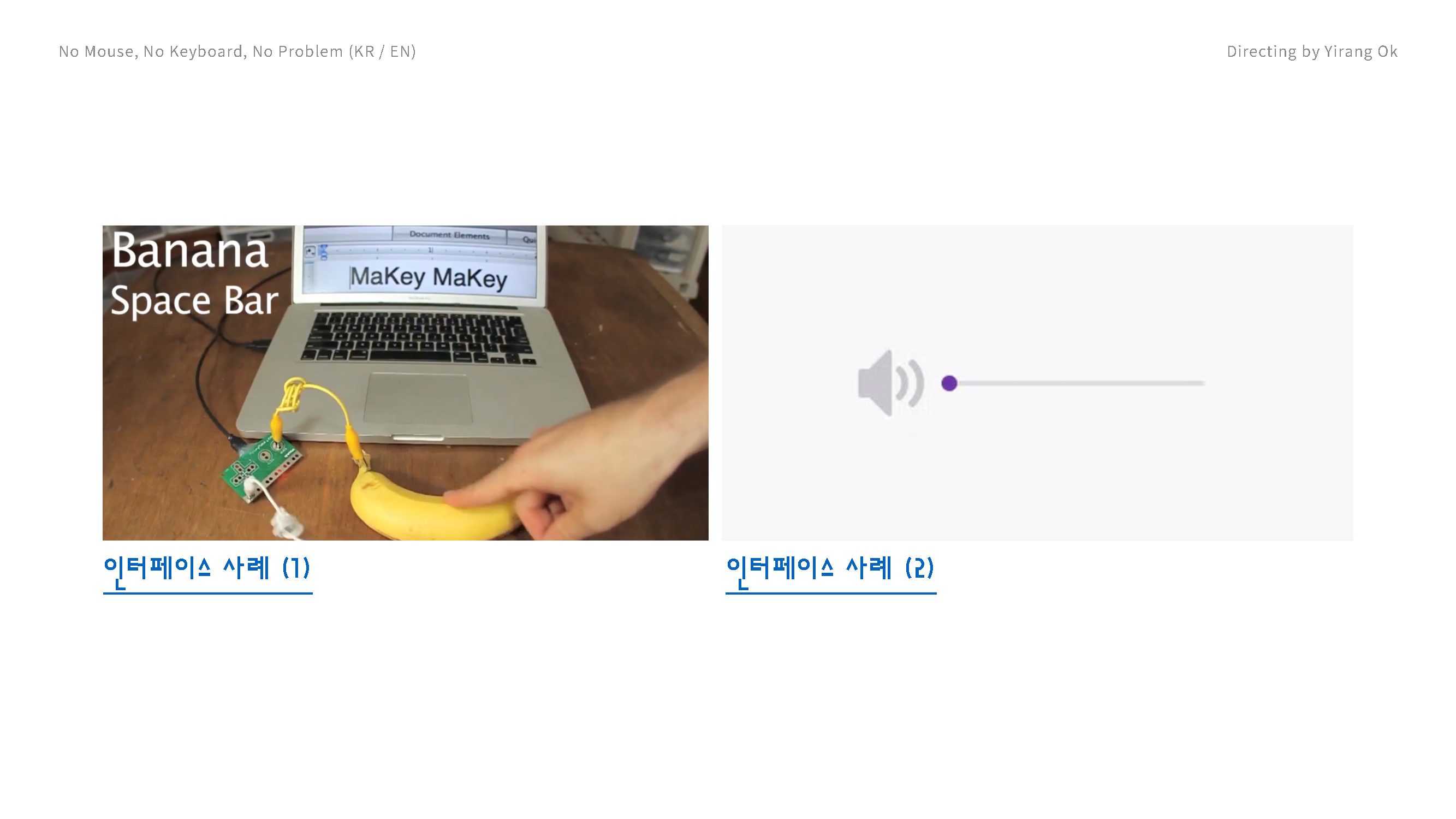
참가자는 센서, 소리, 카메라, 발판, 로우테크 재료로 이상한 입력 도구를 만듭니다. 목표는 완벽한 기계가 아니라, 느리고 불편하고 잘못 작동하는 도구를 통해 익숙한 사용 방식의 규칙을 다시 보는 것 — 유지보수를 언어, 체현, 접근성의 문제로 함께 학습합니다.A two-session offline making workshop on controlling the web without a keyboard and mouse. The two devices are not neutral tools: they were built to test how humans relate to computers, and as they became standard they fixed our postures and speeds.
Participants build strange input tools with sensors, sound, cameras, foot pads, and low-tech materials. The goal is not a perfect machine, but to look again at the rules of use we take for granted — learning maintenance as a question of language, embodiment, and access.
참가자는 센서, 소리, 카메라, 발판, 로우테크 재료로 이상한 입력 도구를 만듭니다. 목표는 완벽한 기계가 아니라, 느리고 불편하고 잘못 작동하는 도구를 통해 익숙한 사용 방식의 규칙을 다시 보는 것 — 유지보수를 언어, 체현, 접근성의 문제로 함께 학습합니다.A two-session offline making workshop on controlling the web without a keyboard and mouse. The two devices are not neutral tools: they were built to test how humans relate to computers, and as they became standard they fixed our postures and speeds.
Participants build strange input tools with sensors, sound, cameras, foot pads, and low-tech materials. The goal is not a perfect machine, but to look again at the rules of use we take for granted — learning maintenance as a question of language, embodiment, and access.
1주차
three.js의 기본 구조와 개발 환경을 익히고, 간단한 3D 장면을 만들어봅니다.
2주차
책 표지 이미지로 3D 책 오브젝트를 만들고, 조명과 화면 구성을 다룹니다.
3주차
책을 배치하고 움직임을 더해 온라인 서재의 구조를 만듭니다.
4주차
완성한 3D 서재를 웹에 업로드하고, 각자의 주소를 공유합니다.
1회차
프로젝트와 공간, 참가자와 센서를 소개하고 각자 만들 입력 도구의 아이디어를 구상해 발표합니다.
2회차
직접 도구를 만들고 결과를 발표합니다. 작은 수상식으로 마무리: 재미상, 기술상, 비평상.
1회차 · 공간 소개
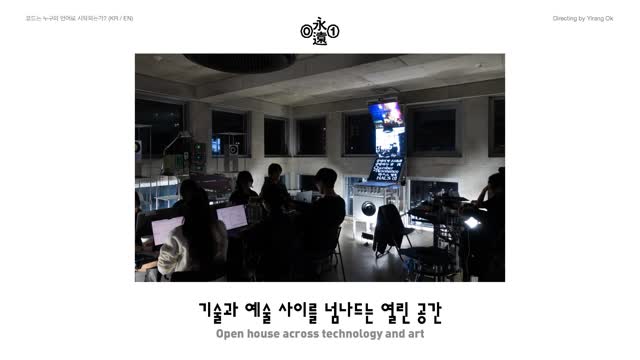
영원 @01.works — 기술과 예술 사이를 넘나드는 열린 공간. 서울 마포구 토정로 35, 4층.